
Citing a quote in a presentation slide takes two pieces: a short credit printed on the slide itself — author, year, and page or slide number — and a matching full entry on a References or Works Cited slide at the end of your deck. Quotation marks alone tell the audience you are quoting someone, but they never tell them who or where those words came from.
Both parts have to agree. A reader who writes down the credit from slide 6 and finds it word-for-word on slide 20 knows you can be trusted with the rest of your sources.
Once you know which style your audience expects, each quote takes about five minutes. Getting the original source verified takes longer than formatting the citation, which is where most decks go wrong.
Table of Contents
- What You Need Before You Cite a Quote in a Presentation Slide
- Step-by-Step
- Step 1: Decide How to Cite a Quote in a Presentation Slide
- Step 2: Find and Verify the Original Source
- Step 3: Choose the Required Citation Style
- Step 4: Prepare a Citation That Fits the Slide
- Step 5: Place the Attribution Clearly on the Slide
- Step 6: Add a Reference Slide When Required
- Step 7: Check the Quotation and Citation Before Presenting
- Common Mistakes and How to Fix Them
- Frequently Asked Questions
- How long should a quote citation be on a presentation slide?
- Do I need to include the URL when citing a quote on a slide?
- Should a quotation and its source appear on the same slide?
- Do I need a references slide for every quotation in a presentation?
- Should I use APA, MLA, or Chicago style for presentation slides?
- Conclusion: Use One Clear, Complete Citation
What You Need Before You Cite a Quote in a Presentation Slide
Four things. If you have all four, the citation itself is the easy part.
- The original source. The book, article, video, transcript or post where the words actually appear — not the secondary article that quoted them.
- Reliable source details. Author or organisation name, title of the work, publication or posting date, publisher or platform, page number where one exists, and a stable URL.
- The style guide that governs you. Your instructor’s rubric, your department’s handbook, or the convention your workplace uses. This overrides everything below.
- Reference software or a working text box. Zotero, EndNote or Mendeley will build the reference slide for you; PowerPoint, Google Slides or Keynote will hold the on-slide credit.
If the original source is a slide deck someone showed you, a PDF circulating in a group chat, or a screenshot of a post, treat it as unknown until you find where it came from. Plenty of decks are built on quotes whose source turns out to be a blog repeating another blog.
Step-by-Step
Step 1: Decide How to Cite a Quote in a Presentation Slide
There are three levels of attribution, and picking the right one is most of the decision.
- Quotation marks only. Acceptable for a well-known phrase nobody would claim as an original idea, and often fine in an informal internal deck. Practitioners on r/powerpoint make this point repeatedly: quotation marks are worth using anyway because they signal that words belong to someone else.
- Short on-slide credit. The default for any quote from a named author, a study, a company report or a published talk. Author, year, and locator, in parentheses or after the quote.
- Short credit plus full reference entry. Required in academic coursework, and the safe choice for conference talks, journal clubs, client work and anything your employer might reuse. A pharmacy resident preparing a journal-club deck, for example, was told to include references even though the setting was professional rather than academic.
When instructions are missing, take the third option. An extra reference slide costs you one slide and removes the argument entirely.
Step 2: Find and Verify the Original Source
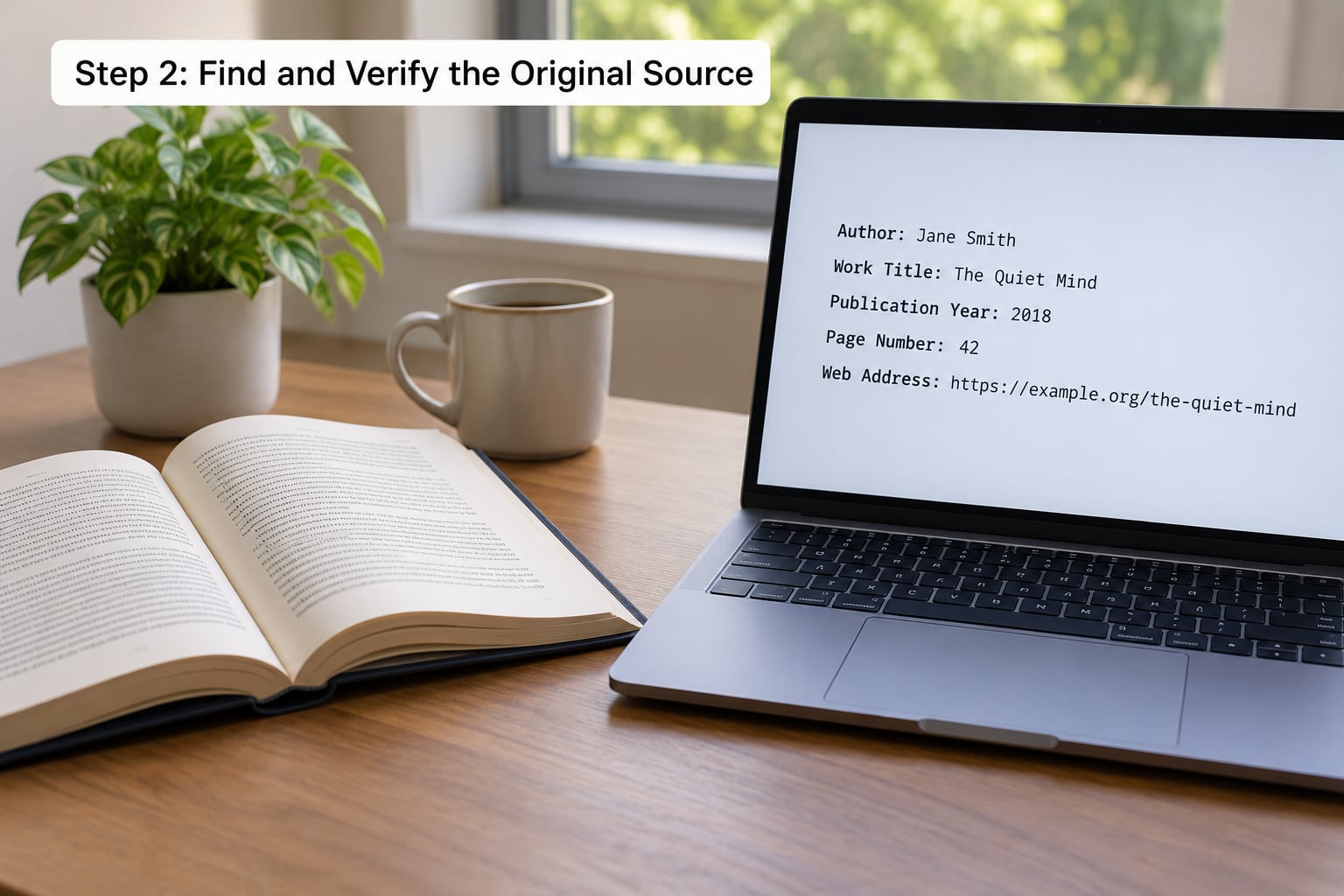
Search a distinctive fragment of the quote in quotation marks. If the quotation marks get you a chain of blogs and not the source, the quote has probably been paraphrased somewhere along the way, which means the version you have may not be exact.
Then check the wording against the original. People misquote constantly, sometimes by swapping a single word that reverses the meaning. If the source is a book, note the edition: page numbers move between editions, and a citation tied to the wrong edition is a citation an instructor cannot check.
Write down seven fields before you format anything: creator, title of work, container or publisher, date, page or slide locator, URL, and access date if the source is likely to change. Those seven fields produce every style.
Step 3: Choose the Required Citation Style
APA uses author and date, MLA uses author and page, and Chicago author-date behaves like APA while Chicago notes-bibliography uses numbered footnotes. On a slide you almost always want the parenthetical or credit-line version, because footnotes on slides are awkward to read aloud.
| Element | APA 7th edition | MLA 9th edition |
|---|---|---|
| Credit printed on the slide | (Sandel, 2021, p. 15) | (Sandel 15) |
| Credit printed on the slide, no page available | (Sandel, 2021) | (Sandel) |
| Locator when the source is a slide deck | Slide 5 | Slide 5 |
| Title of the final slide | References | Works Cited |
| Full entry for a book | Sandel, A. (2021). Talking to strangers (2nd ed.). Basic Books. | Sandel, Arlie. Talking to Strangers. 2nd ed., Basic Books, 2021. |
| Full entry for a web page with no date | Organisation. (n.d.). Page title. Site Name. URL | “Page Title.” Site Name, URL. Accessed 3 Oct. 2026. |
Whatever you pick, use it everywhere. Mixing APA and MLA in one deck reads as carelessness even when every entry is technically correct. MLA has one exception worth knowing: when you cite a slide deck that was never formally published, the credit includes the deck title in quotes plus the slide number, for example (“Presentation Best Practice” Slide 5).
Step 4: Prepare a Citation That Fits the Slide
Shortening a citation is allowed; changing what it points to is not. Drop the publisher when the style does not require it for that source type, and drop the URL when a printed book has one — but keep the author, the date and the locator, because those are what let someone find the passage.
Sources with no page number are the most common real problem. A web page, blog post, video or social media post has no page, so the locator is simply absent, and in MLA you often include a paragraph number instead when the page is divided into numbered paragraphs. For a video, cite the timestamp: (Sandel, 2021, 4:32) or, in MLA style, (Sandel 4:32). Nothing about this requires you to invent a page.
If the quote came to you inside another work, you are citing an indirect quotation. Say so explicitly: (qtd. in Reeves, 2023, p. 42) in APA, or (qtd. in Reeves 42) in MLA. And if you have changed any wording inside the quotation marks, write “adapted from” rather than pretending the wording is original.
Step 5: Place the Attribution Clearly on the Slide

Put the credit directly under the quote it belongs to, or in the bottom corner of the slide. Either works, but directly underneath wins when a slide carries two quotes, because readers stop guessing which line the credit belongs to.
Size the credit so it is readable from the back of the room but clearly subordinate. If your quote sits at 32pt, set the credit at 16–18pt; if the quote is 40pt, drop the credit to 20–22pt. The rule I use: if you can read the citation without squinting on a laptop at your desk, the back row cannot read it on a projector.
Keep the punctuation plain. Close the quotation, then put the parenthetical citation after the period, not inside the quotation marks: The best way to predict the future is to invent it (Sandel, 2021, p. 15). In MLA, the page number goes before the period: (Sandel 15). And do not stack the credit on three lines — a broken citation looks like an error even when it is correct.
Step 6: Add a Reference Slide When Required
Title the slide References in APA and Chicago, Works Cited in MLA. List every source in alphabetical order by creator’s surname, and give each one the full entry from the same style you used on the slides.
Long lists need a hanging indent, where the first line sits flush left and subsequent lines indent by half an inch. In PowerPoint, turn on the ruler, drag the hanging indent marker to 0.5, or set it precisely in Home > Paragraph > Indentation > Special: Hanging, By: 0.5. In Google Slides, use Format > Paragraph > Indent > First line, set to negative 0.5.
Here is one complete, copy-ready example using the same quote throughout.
On the slide:
“The habit of writing a letter to your future self is a small act of faith.” (Sandel, 2021, p. 15)
On the References slide:
Sandel, A. (2021). Talking to strangers: How to think about people you don’t know (2nd ed.). Basic Books.
If you read the quote aloud during a live talk, say the attribution out loud too — something as simple as “Sandel, in 2021” — so the room hears the source even if nobody is reading the small text. This is standard practice in teaching and journal clubs and it costs one sentence.
Step 7: Check the Quotation and Citation Before Presenting
Run this list once, right before you export:
- The quoted words match the source exactly, character for character.
- The quotation marks are present and the period sits outside the parenthetical citation.
- Author, year and locator are all present and match the reference slide exactly.
- Every source on a slide also appears on the References or Works Cited slide, and nothing appears only there.
- One style throughout, with no orphaned entry from a different style.
- The credit text is large enough to read from the back and does not collide with logos, footers or slide numbers.
If any line fails, fix it before the file leaves your hands. Every fix you do not make becomes a question from the audience.
Common Mistakes and How to Fix Them
These are the errors that show up most often in student and professional decks.
Quotation marks with no credit. The most common one, and the reason r/HomeworkHelp threads fill up with the same question. Marks tell the reader you are quoting; they do not give credit. Add author and year at minimum.
Mixed styles. APA in-text citations sitting above an MLA Works Cited list. Pick one at the start of the project and let a reference manager do the reference slide.
No reference slide. On-slide credits with nothing at the end leave the audience unable to locate anything. One final slide fixes it in under a minute.
A citation too small to read. If the credit sits at 10pt because it was copied from a Word document, shrink the quote instead and keep the credit legible.
A locator that does not exist. Page numbers invented for a website, or slide numbers that shift every time you duplicate a slide. Lock the deck down before you finalise the references, then check the slide numbers once more.
An attribution on a slide with no matching entry. Usually caused by adding a quote late. Keep a running list as you build rather than reconstructing sources at the end.
Too much quoted text. The 7×7 rule — no more than seven lines, no more than seven words per line — is a design heuristic, not a citation rule, but it keeps decks readable. If the quote will not fit legibly, paraphrase it and cite the paraphrase.
One last balance to strike: credibility versus clutter. Credibility comes from being findable, which means author, year and locator. Everything else can be trimmed.
Frequently Asked Questions
How long should a quote citation be on a presentation slide?
Keep the on-slide credit to about one line: author, year and a page or slide number, such as (Sandel, 2021, p. 15) in APA or (Sandel 15) in MLA. Full details belong on the References or Works Cited slide, not next to the quotation. If the credit needs two lines on screen, it is too long to present well.
Do I need to include the URL when citing a quote on a slide?
On the slide itself, usually no — author, year and locator are enough there. Put the URL in the reference entry, where it belongs. Include a URL on the slide only when your source is a web page with no author or date, or when the audience needs to open the original mid-talk. MLA also wants an access date in the full entry for online sources.
Should a quotation and its source appear on the same slide?
Yes. The quotation and its credit belong together, so an audience can see who said what without guessing which slide a citation on the corner of the screen belongs to. Placing the credit directly beneath the quote is the safest option when a slide carries more than one quotation. The bottom corner works fine on slides with a single quote.
Do I need a references slide for every quotation in a presentation?
Not a separate slide per quotation — one final slide listing every source is standard. In academic coursework a reference list is expected. In conference talks, journal clubs and professional settings it is still the safe choice, since decks get circulated and reused. For a brief internal update with a single well-known phrase, an on-slide credit may be enough.
Should I use APA, MLA, or Chicago style for presentation slides?
Use whatever your instructor, department or organisation specifies; there is no universal default. APA 7th is most common in social sciences and business, MLA 9th in humanities, and Chicago author-date in history and some social sciences. APA gives author plus date, MLA gives author plus page. Whichever you choose, apply it consistently on the slide and on the reference slide.
Conclusion: Use One Clear, Complete Citation
Verify the words against the original, pick the style your audience expects, then give the quote one readable credit on the slide and one matching entry on a References or Works Cited slide. If the two agree, the attribution does its job — nobody in the room has to guess who said it.